WinRAR is one of the most well-known archiving tools for Windows, and there's a good reason for it. It is straightforward and provides easy tools for file compression and decompression of existing archived files already on your computer.
Navigating the built-in file browser
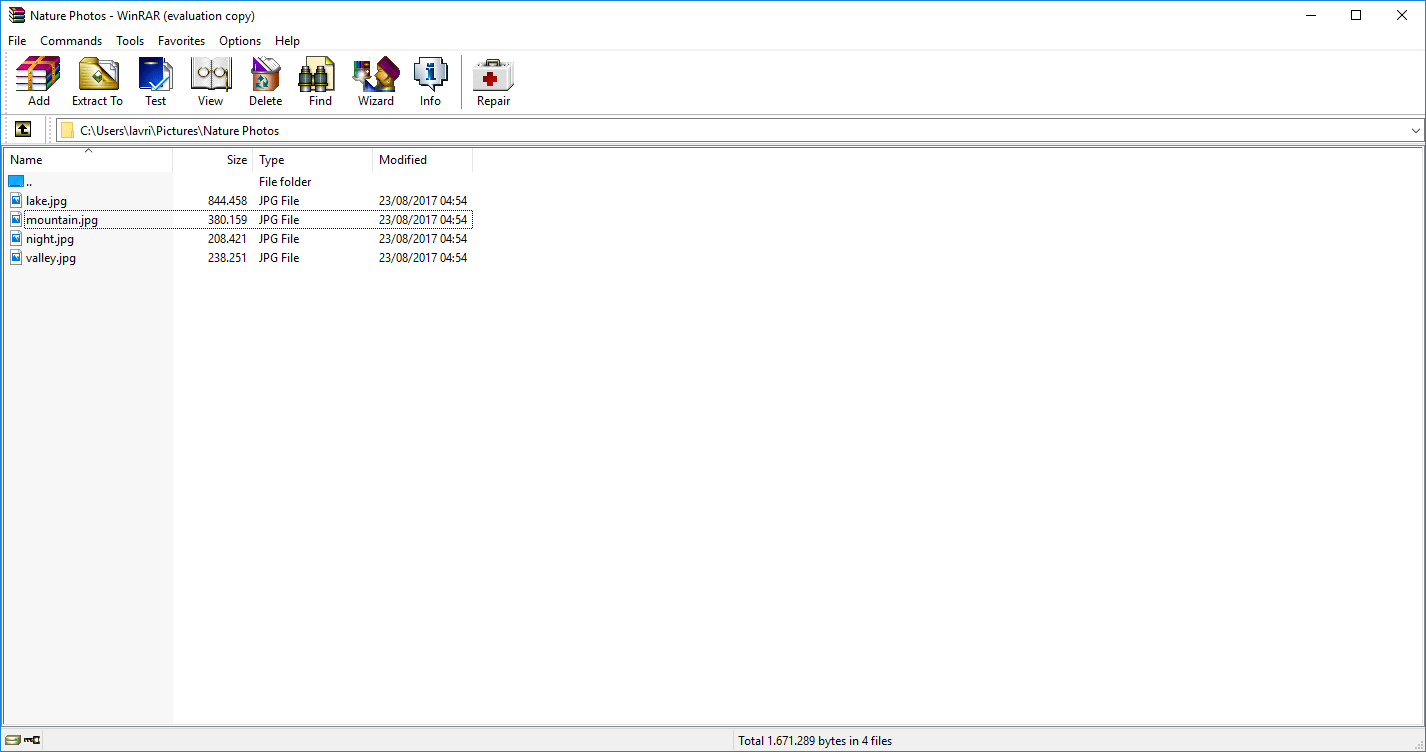
When you install and open it for the first time, you'll be greeted with the WinRAR home page, which is essentially a built-in file browser that navigates through the files on your system. With a few clicks, you can navigate to different folders or drives. Alternatively, you can use the Find tool to locate a specific archive file saved on your PC.Extracting and compressing files
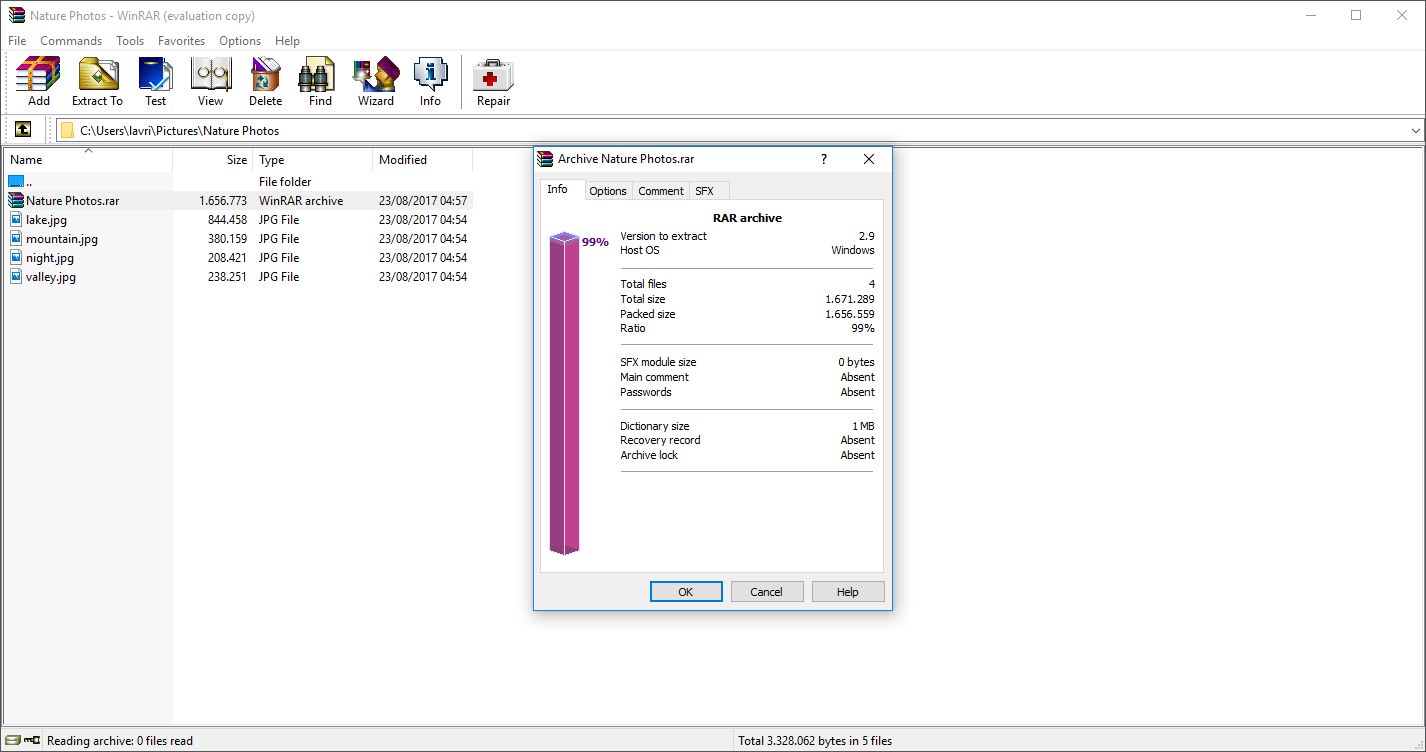
Once you have navigated to an archive file, you'll be able to extract it in a number of ways. You can extract it to a specified location from within WinRAR, or you can use Windows File Explorer, find your archived file, right-click it, and click Extract. The decompression abilities of WinRAR are quite straightforward. Fortunately, the same can be said about compressing files and making your own archives.
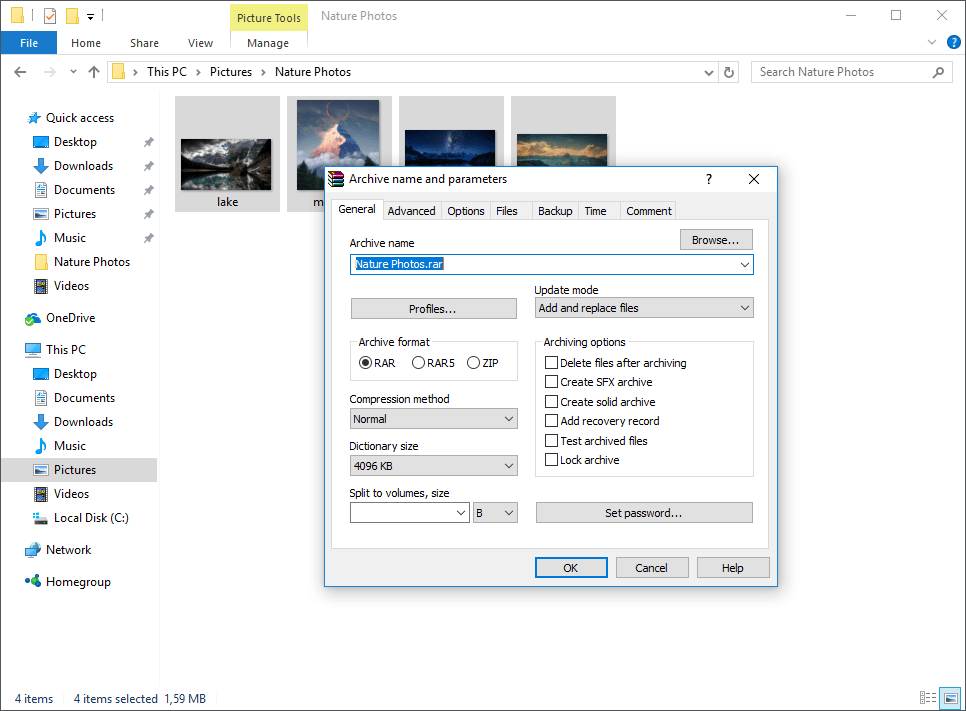
To make a new archive, you'll be better off using Windows Explorer. Navigate to the files or folders you'd like to archive, highlight the items, right-click on them, and click 'Add to archive...'. You'll now have options for choosing the archive name, archive file format, and selecting what you'd like to do with the original files once the archive is created. Just like with decompression, the compression feature works quickly, although larger archives do take reasonably longer to process.Format limitations
Although there are not many, there are some negative aspects of WinRAR. One of them is that it can only compress RAR, ZIP, and RAR5 archive formats. The plus side is that it can decompress most archive types. For example, .7Z archives can be decompressed, but it'll require other software to compress.Trial period and licensing
WinRAR comes with a 40-day free trial. According to the End User License Agreement, the user must purchase a license to continue using the product after the trial period ends.